
How to Redeem Your EA SPORTS FC 27 Code on Every Platform

GAMING GUIDE
How to Redeem Your EA FC 27 Code on Every Platform
Got an EA SPORTS FC 27 code and ready to start playing? Redeeming your code is usually quick, but the exact process depends on whether you're playing on PC, PlayStation, Xbox, or Nintendo Switch.
In this guide, we'll show you how to redeem EA FC 27 codes on every supported platform, where to enter your code, how to activate your game, and what to do if your EA FC 27 key isn't working.
Important:
Always check the platform, region, and edition of your EA FC 27
code before redeeming it. A code intended for one platform may not work on another.
Quick Answer: Where Do I Redeem an EA FC 27 Code?
The correct place to redeem your EA FC 27 code depends on the platform and type of key you purchased.
EA App
Redeem compatible EA product codes through the EA app or EA's official redemption page.
Steam
Activate Steam keys directly through the Steam client.
Epic Games
Redeem Epic Games Store keys through the Epic Games Launcher.
PlayStation
Redeem PlayStation codes through the PlayStation Store.
Xbox
Redeem Xbox codes through your Microsoft/Xbox account.
Nintendo
Redeem compatible Nintendo codes through Nintendo eShop.
Always follow the activation instructions provided with your specific EA FC 27 digital key.
EA SPORTS FC 27 Supported Platforms
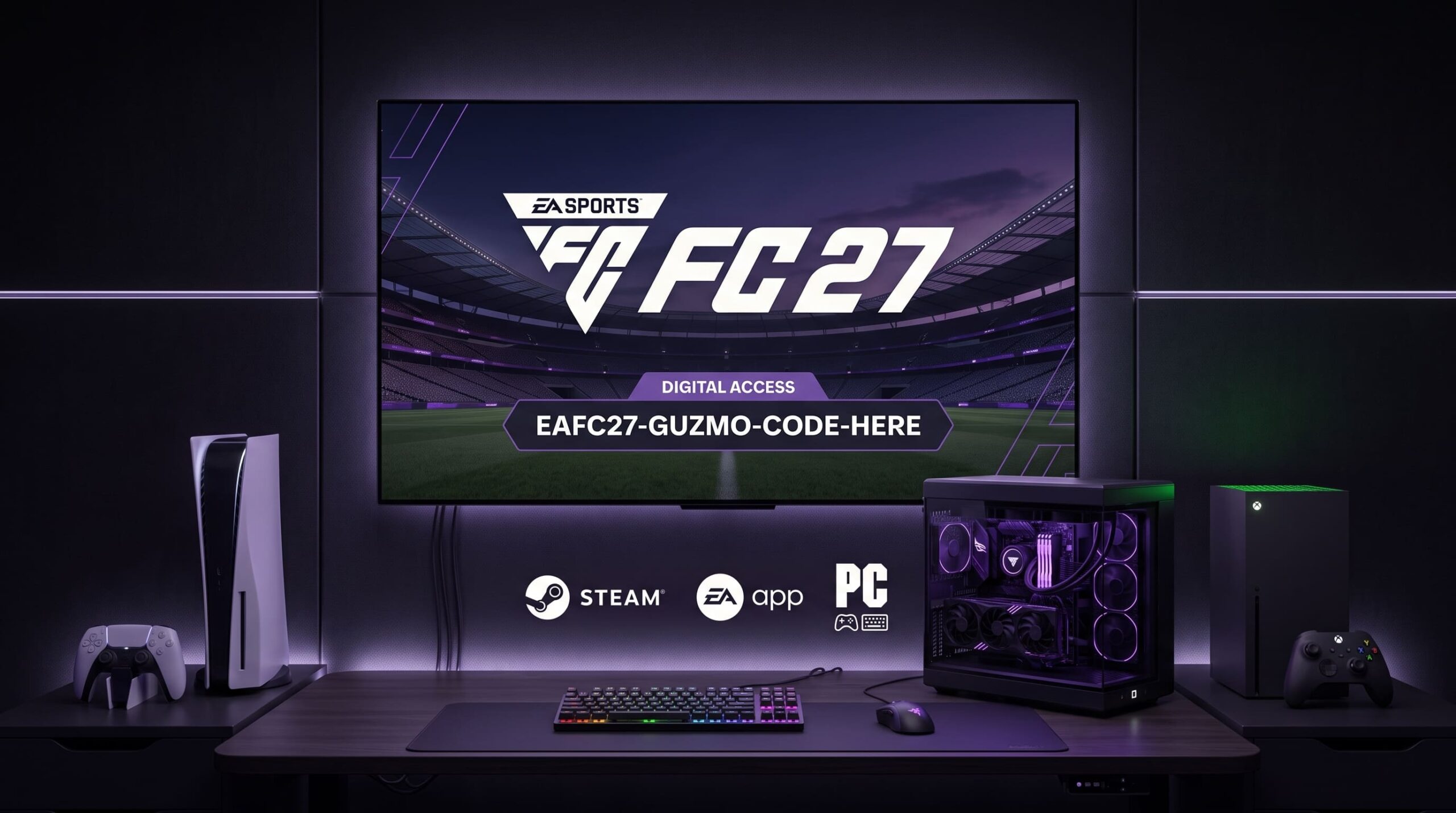
EA SPORTS FC 27 is available across several gaming platforms. Depending on the edition you purchase, you may be able to play on:
- PC via EA app
- PC via Steam
- PC via Epic Games Store
- PlayStation 5
- PlayStation 4
- Xbox Series X|S
- Xbox One
Platform and edition availability can differ, so always check the exact product listing before purchasing an EA FC 27 digital key.
How to Redeem EA FC 27 on the EA App
If you purchased an EA FC 27 EA app key, you can redeem it through your EA Account or directly inside the EA app.
Method 1: Redeem Through EA's Website
- Open EA's official code redemption page.
- Sign in to the EA Account you want to use.
- Enter your EA FC 27 product code.
- Select Next.
- Review and confirm the product.
- Open the EA app on your PC.
- Go to My Library.
- Find EA SPORTS FC 27.
- Download and install the game.
Method 2: Redeem Directly in the EA App
- Open the EA app.
- Sign in to your EA Account.
- Open My Library.
- Select Redeem Code.
- Enter your EA FC 27 code.
- Follow the instructions on screen.
- Return to your library.
- Download EA SPORTS FC 27.
Tip:
Make sure you're signed into the correct EA Account before redeeming
your code. Your game may become associated with the account used during activation.
How to Redeem EA FC 27 on Steam
If your product is an EA FC 27 Steam key, activate it directly through Steam.
- Open the Steam client.
- Sign in to your Steam account.
- Click Games in the top menu.
- Select Activate a Product on Steam.
- Enter your EA FC 27 Steam key.
- Confirm the activation.
- EA FC 27 will be added to your Steam library.
- Download and install the game.
Steam Warning:
An EA app key is not automatically a Steam key. Make sure your product
specifically says Steam before attempting activation.
How to Redeem EA FC 27 on Epic Games Store
If you purchased an EA FC 27 Epic Games key, redeem it through your Epic Games account.
- Open the Epic Games Launcher.
- Sign in to your Epic Games account.
- Click your profile icon.
- Select Redeem Code.
- Enter your EA FC 27 code.
- Confirm the redemption.
- Open your Epic Games Library.
- Find EA SPORTS FC 27.
- Download and install the game.
Depending on the product, you may also need to connect your Epic Games account with an EA Account.
How to Redeem EA FC 27 on PlayStation
EA SPORTS FC 27 supports PlayStation platforms, including PS5 and PS4.
Redeem EA FC 27 on PS5
- Turn on your PS5.
- Sign in to the PlayStation Network account you want to use.
- Open PlayStation Store.
- Select your profile icon.
- Choose Redeem Code.
- Enter your voucher or game code.
- Select Redeem.
- Follow the instructions to download your content.
Redeem EA FC 27 on PS4
- Open PlayStation Store.
- Find the Redeem Codes option.
- Enter your EA FC 27 code.
- Select Redeem.
- Confirm the content.
- Download EA SPORTS FC 27 from your library.
PlayStation Region Warning:
PlayStation Store codes are generally region-specific. Make sure the
code matches the region of your PSN account.
How to Redeem EA FC 27 on Xbox
EA SPORTS FC 27 is available on Xbox Series X|S and Xbox One. If you have an Xbox code, redeem it through your Microsoft/Xbox account.
- Turn on your Xbox console.
- Sign in to your Microsoft/Xbox account.
- Open the Microsoft Store.
- Select the redemption option.
- Enter your EA FC 27 code.
- Confirm the code.
- The game will be added to your account.
- Open your library.
- Start the download.
Check Your Xbox Region
Before purchasing an Xbox EA FC 27 key, check its region. A code marked Global may have broader activation availability, while US, EU, or other regional codes may have restrictions.
How to Redeem EA FC 27 on Nintendo Switch
Nintendo availability can vary depending on the specific EA SPORTS FC 27 edition. Always check the product details before purchasing.
- Open the Nintendo eShop.
- Select the Nintendo Account you want to use.
- Select Redeem Code.
- Enter your Nintendo eShop code.
- Confirm the redemption.
- Download the available content.
Nintendo Region Warning:
Nintendo eShop codes can be region-specific. Make sure your Nintendo
Account and eShop region are compatible with the code.
How to Redeem EA FC 27 Promotional Codes
Not every EA FC 27 code is a full game key. You may receive a promotional code, bonus code, or code for additional content.
- Sign in to your EA Account.
- Start the relevant purchase.
- Continue to checkout.
- Find the Enter Promo Code field.
- Enter your promotional code.
- Select Apply Code.
- Complete the purchase if the code is accepted.
What EA Account Should You Use?
This is one of the most important things to check before redeeming an EA FC 27 code.
Always make sure you're signed into the EA Account you actually want to use. Before redeeming your code, check:
- Your EA Account email address
- Your EA ID
- Your connected PlayStation account
- Your connected Xbox account
- Your connected Steam account
- Your connected Epic Games account
- Your gaming platform
- Your region
- Your EA FC 27 edition
Best practice:
Never rush the activation process. Verify your account and platform
before submitting your digital code.
EA FC 27 Code Not Working? Try These Fixes
If your EA FC 27 key isn't working, don't immediately assume the code is invalid. Several common issues can cause activation errors.
1. Check the Platform
Make sure the code matches your platform:
Code Type
Where to Redeem
EA App Key
EA App / EA Account
Steam Key
Steam
Epic Games Key
Epic Games Store
PlayStation Code
PlayStation Store
Xbox Code
Microsoft/Xbox Account
Nintendo Code
Nintendo eShop
2. Check the Region
Your code may be region-restricted. Check whether the product is listed as Global, Europe, United States, United Kingdom, or another specific region.
3. Check for Typing Errors
Digital codes can contain letters and numbers that look similar:
- 0 and O
- 1 and I
- 5 and S
- 8 and B
Copy and paste the code whenever possible.
4. Make Sure the Code Has Not Already Been Used
Most digital game codes are intended for one-time redemption. If you receive an error saying the code has already been redeemed, check your EA Account and platform library before trying again.
5. Check Whether the Code Has Expired
Some promotional and bonus codes may have expiration dates. Check the terms associated with your specific code.
6. Restart the Launcher
- Restart the EA app.
- Restart Steam.
- Restart Epic Games Launcher.
- Sign out and back into your account.
- Check your game library again.
EA FC 27 Code Redeemed but Game Not Showing
If your code was accepted but you can't find FC 27, first verify that you're using the same account that received the redemption.
On PC
- EA app library
- Steam library
- Epic Games library
On PlayStation
Open your Game Library and check your collection. You can also check your PlayStation transaction history.
On Xbox
Open My Games & Apps and verify that you're signed into the Microsoft account used to redeem the code.
Can I Redeem an EA FC 27 Code on Any Platform?
No.
An EA SPORTS FC 27 code is not necessarily universal across platforms. The platform listed with the product is extremely important.
For example, an EA FC 27 Steam key is different from an EA FC 27 PlayStation code.
Similarly, an Xbox code is not designed to be activated through Steam.
Can I Redeem an EA FC 27 Code on PC and PlayStation?
It depends on the type of code and the edition you purchased. A platform-specific code generally unlocks the product on the platform for which it was issued.
Always check:
Platform + Region + Edition
For example:
EA SPORTS FC 27 — Global — PC — Steam — Digital Key
is different from:
EA SPORTS FC 27 — Global — PlayStation — Digital Code
EA FC 27 Game Code vs FC Points Code
These are different types of digital products and should not be confused.
EA FC 27 Game Code
A game code activates EA SPORTS FC 27 itself, subject to platform and region restrictions.
FC Points Code
An FC Points code is intended for in-game currency or content and follows its own redemption requirements.
Always read the product description carefully before purchasing.
How to Avoid Problems When Buying EA FC 27 Codes
If you're buying an EA FC 27 digital key online, check these details before completing your purchase.
Frequently Asked Questions About EA FC 27 Codes
Where do I redeem an EA FC 27 code?
For compatible EA product codes, you can use EA's official redemption page. Platform-specific codes should generally be redeemed through the corresponding platform's store.
Can I redeem an EA FC 27 Steam key on the EA app?
A Steam key should be activated through Steam. Always follow the activation platform specified with your key.
Can I use an Xbox EA FC 27 code on PlayStation?
No. Xbox and PlayStation codes are platform-specific.
Can I use a PlayStation EA FC 27 code on PC?
No. A PlayStation Store code is intended for PlayStation accounts and cannot normally be converted into a PC license.
What happens after I redeem my EA FC 27 code?
The game or content is added to the account associated with the redemption and can then be accessed through the relevant platform or launcher.
What if my EA FC 27 code says it has already been redeemed?
First, check the EA Account and platform account you were using. If the code was purchased from a retailer and appears to have already been used, contact the retailer with your order information.
Can I redeem a code on the wrong EA Account?
You should avoid doing this. Always make sure you're logged into the EA Account you want to use before redeeming your product code.
Final Thoughts
Redeeming an EA SPORTS FC 27 code is straightforward once you know which platform and account your key belongs to.
For PC, you'll typically use the EA app, Steam, or Epic Games Store, depending on the key. PlayStation codes are redeemed through the PlayStation Store, while Xbox codes are redeemed through your Microsoft/Xbox account. Nintendo codes use the Nintendo eShop where applicable.
The most important rule:
Always match your EA FC 27 code with the correct platform, region, and account before redeeming it.
If you're buying a digital key, carefully check the product title and activation instructions before completing your purchase. This can prevent most activation problems and help you get into EA SPORTS FC 27 faster.
GUZMozONE
Looking for EA FC 27 Digital Keys?
Check the platform, region, and activation method before purchasing your EA FC 27 digital key. Choose the correct version for your platform and get ready to play.
Shop Digital GamesOfficial EA FC 27 Resources
Need more information? Use the official resources below for the latest information about EA FC 27, account linking, code redemption, and troubleshooting.