
Binance Gift Card Activation: How to Redeem Your Code


“`html
Crypto & Digital Guides
“`
Binance Gift Card Activation: How to Redeem Your Code
Need help with Binance Gift Card activation? Redeeming a Binance Gift Card is usually straightforward when you know which redemption option to use and where to enter your code. This complete guide explains how to redeem a Binance Gift Card, what you need before starting, what happens after redemption, and how to troubleshoot common activation problems.
Important:
Always redeem your Binance Gift Card through the official Binance platform. Never give your redemption code, Binance password, 2FA code, private key, or seed phrase to another person.
Quick Answer: How Does Binance Gift Card Activation Work?
Binance Gift Card activation starts by signing in to the correct Binance account and opening the Gift Card feature. From there, select the option to redeem an existing gift card, enter the redemption code you received, and confirm the transaction.
Once the redemption is successfully processed, the value associated with the gift card is credited to your Binance account according to the applicable Binance Gift Card rules.
Binance App
Open the Binance app, access Gift Card, select the redemption option, enter your code, and confirm.
Binance Website
Sign in through Binance’s official website, open Gift Card, enter your redemption code, and complete the redemption.
Most Important Rule
Keep your Binance Gift Card redemption code private.
What Is a Binance Gift Card?
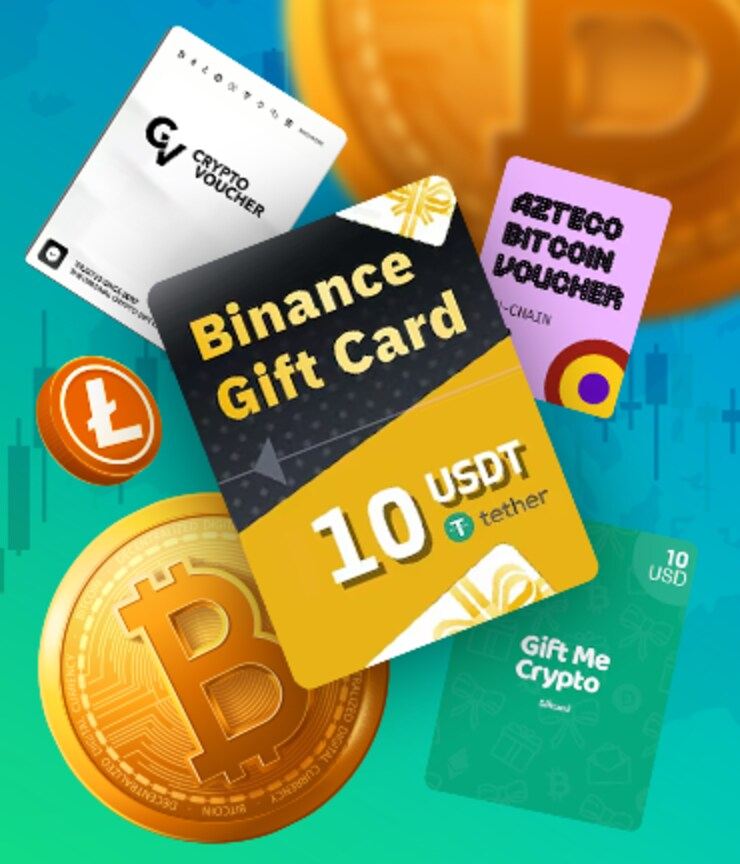
A Binance Gift Card is a digital cryptocurrency voucher that can be redeemed through Binance. It provides a convenient way to transfer or give supported cryptocurrency through Binance’s Gift Card system.
Unlike a traditional shopping gift card, a Binance Gift Card represents cryptocurrency rather than general store credit. The asset and value depend on the particular gift card you receive.
After successful redemption, the cryptocurrency is credited to the recipient’s Binance account based on the current Binance Gift Card system and applicable account requirements.
Tip:
Treat your gift card redemption code like valuable payment information. Anyone who obtains a valid unused code may potentially redeem it.
What You Need Before Binance Gift Card Activation
Preparing everything before you begin can make the redemption process much easier. Before attempting Binance Gift Card activation, make sure you have the following:
Before you start:
Check the gift card information carefully and make sure you are using the redemption code rather than another number or reference associated with the card.
How to Redeem a Binance Gift Card on the App
If you use Binance primarily on your phone, you can complete the redemption process through the Binance mobile app. Binance can update its interface over time, so the exact location of the Gift Card menu may change.
-
Open the Binance app.
Launch the official Binance mobile application and sign in to the account where you want to redeem the gift card.
-
Find the Gift Card feature.
Open the available Binance services and locate the Gift Card section.
-
Select the redemption option.
Choose the option that allows you to redeem an existing Binance Gift Card.
-
Enter your redemption code.
Carefully enter the code provided with your gift card. Check every character before continuing.
-
Confirm the redemption.
Review the information and confirm the transaction through Binance.
-
Check your account.
After successful redemption, check the relevant Binance wallet to confirm that the cryptocurrency has been credited.
Tip:
If you copy and paste your code, make sure there are no extra spaces before or after the code.
How to Redeem a Binance Gift Card on the Website
You can also complete Binance Gift Card activation using a desktop or laptop browser. The basic process is similar to the mobile app.
-
Open the official Binance website.
Go directly to Binance and sign in to your account.
-
Open Gift Card.
Navigate to Binance’s Gift Card service using the current website interface.
-
Choose the redemption option.
Select the option for redeeming an existing gift card.
-
Enter your code.
Enter the redemption code exactly as provided.
-
Review and confirm.
Check the information and confirm the redemption request.
-
Verify your wallet.
Once the redemption succeeds, check your Binance account for the credited cryptocurrency.
Binance Gift Card Code vs. Gift Card Number
Understanding the difference between a Binance Gift Card redemption code and other card information can prevent unnecessary activation errors.
Information
Purpose
Redemption Code
Used to redeem the Binance Gift Card through the appropriate Binance redemption feature.
Gift Card Number
Used for gift card-related information such as checking status or balance where supported.
If you are unsure which information Binance requires, use the instructions displayed in the official Gift Card section rather than entering random card details into another service.
What Happens After Binance Gift Card Activation?
After a successful redemption, the cryptocurrency associated with the Binance Gift Card is credited to your Binance account according to Binance’s current Gift Card system.
Depending on Binance’s current wallet structure, account status, supported asset, and location, the available options for using the redeemed cryptocurrency can vary.
After Redemption
Check your Binance wallet to confirm the funds were credited.
If the funds do not appear as expected, avoid attempting to redeem the same code repeatedly. First check the transaction or gift card status through Binance’s official interface.
Can You Partially Redeem a Binance Gift Card?
Binance states that Gift Cards cannot currently be partially redeemed. The gift card must be redeemed in full rather than allowing only a portion of its value to be claimed.
This is an important difference from some traditional gift cards, where you can make multiple purchases until the balance reaches zero. With Binance Gift Cards, check the applicable Binance terms before attempting redemption.
Does a Binance Gift Card Expire?
Binance’s current Gift Card information states that gift cards created on or after April 10, 2024 expire six months after creation. Gift cards created before that date were subject to different rules.
Important:
Do not assume an unused Binance Gift Card remains valid forever. Check the specific card’s status and applicable expiration information.
If you have recently received a Binance Gift Card, redeeming it before its applicable expiration date can help prevent avoidable problems.
Binance Gift Card Activation Problems and Solutions
1. Binance Says the Code Is Invalid
An invalid-code message can occur when the code is entered incorrectly or when the code is not valid for redemption.
- Check every character in the code.
- Make sure there are no extra spaces.
- Confirm that you are using the correct redemption code.
- Check that the gift card has not already been redeemed.
- Confirm that the gift card has not expired.
2. The Gift Card Has Already Been Redeemed
A successfully redeemed gift card cannot normally be redeemed again. If you believe someone else used your code, keep your purchase confirmation and contact the relevant official support channel.
3. The Gift Card Has Expired
If the gift card has passed its applicable expiration date, Binance may reject the redemption. Check the gift card’s creation date and current status where available.
4. You Cannot Find Gift Card
Binance frequently updates its app and website interface. If Gift Card is not located where an older tutorial says it should be, use Binance’s current navigation or search function to find the service.
5. Your Account Cannot Access the Feature
Binance products and services can vary by jurisdiction and account status. If the Gift Card feature or a related function is unavailable, check Binance’s current support documentation for your region.
How to Stay Safe During Binance Gift Card Activation
Security is especially important when dealing with cryptocurrency gift cards. A valid redemption code represents real value, so it should be protected until you are ready to redeem it.
Keep Your Code Private
Do not publish your code in screenshots, social media posts, forums, or public chats.
Use Official Binance
Open Binance directly instead of relying on suspicious links or unofficial activation websites.
Protect Your Account
Use strong security settings and available two-factor authentication features on your Binance account.
Never Share Private Keys
No legitimate Binance Gift Card activation process should require your private key or recovery seed phrase.
Security Warning:
Anyone asking for your Binance password, 2FA code, private key, or seed phrase to activate a gift card is attempting to obtain sensitive information. Do not provide it.
Where to Buy a Binance Gift Card
If you are looking for a Binance Gift Card, check the product details carefully before purchasing. Pay attention to the denomination, delivery method, redemption requirements, expiration terms, and any regional restrictions.
Once you receive your digital code, redeem it only through the official Binance platform. You should never need to enter your Binance login credentials into an unrelated gift card activation website.
GuzmoZone also offers a range of digital products and gift cards. You can visit the GuzmoZone digital store to explore available products.
Binance Gift Card Activation Checklist
Want the short version? Follow this checklist:
-
Sign in to Binance.
Use the account where you want to receive the gift card value.
-
Open Gift Card.
Use the official Binance app or website.
-
Select Redeem.
Choose the option for redeeming an existing gift card.
-
Enter your code.
Enter the redemption code carefully.
-
Confirm the transaction.
Review the information before submitting.
-
Check your wallet.
Confirm that the redeemed cryptocurrency has been credited.
Frequently Asked Questions About Binance Gift Card Activation
How do I activate a Binance Gift Card?
To complete Binance Gift Card activation, sign in to your Binance account, open the Gift Card feature, select the redemption option, enter your code, and confirm the transaction.
Where do I enter my Binance Gift Card code?
Enter your redemption code through Binance’s official Gift Card redemption feature in the app or website.
Can I partially redeem a Binance Gift Card?
No. Binance states that its Gift Cards cannot currently be partially redeemed.
Does a Binance Gift Card expire?
Binance states that gift cards created on or after April 10, 2024 expire six months after creation. Earlier cards were subject to different rules.
Can someone else redeem my Binance Gift Card?
A person who obtains a valid unused redemption code may potentially redeem the card, which is why you should keep the code private.
What should I do if my Binance Gift Card code does not work?
Check the code carefully, remove extra spaces, verify that the card has not already been redeemed or expired, and consult Binance’s official support resources if the issue continues.
What is the difference between a Binance Gift Card number and code?
The redemption code is used to redeem the gift card, while the gift card number can be used for gift-card-related information such as status or balance where supported.
Is Binance Gift Card activation safe?
Activation should be performed directly through Binance’s official platform. Never share your password, 2FA code, private key, or seed phrase with another person during the process.
Final Thoughts
Binance Gift Card activation is straightforward when you use the official Binance platform and the correct redemption information. Sign in to the correct account, open Gift Card, select the redemption option, enter your code carefully, and confirm the transaction.
Remember:
The safest way to redeem a Binance Gift Card is to use Binance directly and keep your redemption code private.
If your gift card does not work, check for typing errors, expiration, previous redemption, and account or regional limitations before contacting support. Following these steps can help you complete your Binance Gift Card activation safely and avoid common mistakes.
GUZMОZONE
Looking for Digital Gift Cards?
Explore GuzmoZone for digital gift cards, digital codes, game keys, and other digital products.
Explore GuzmoZoneOfficial Resources
For the latest Binance Gift Card activation instructions, eligibility requirements, and security information, use Binance’s official resources.