
How to Redeem Spotify Gift Cards? Complete Guide

SPOTIFY GUIDE
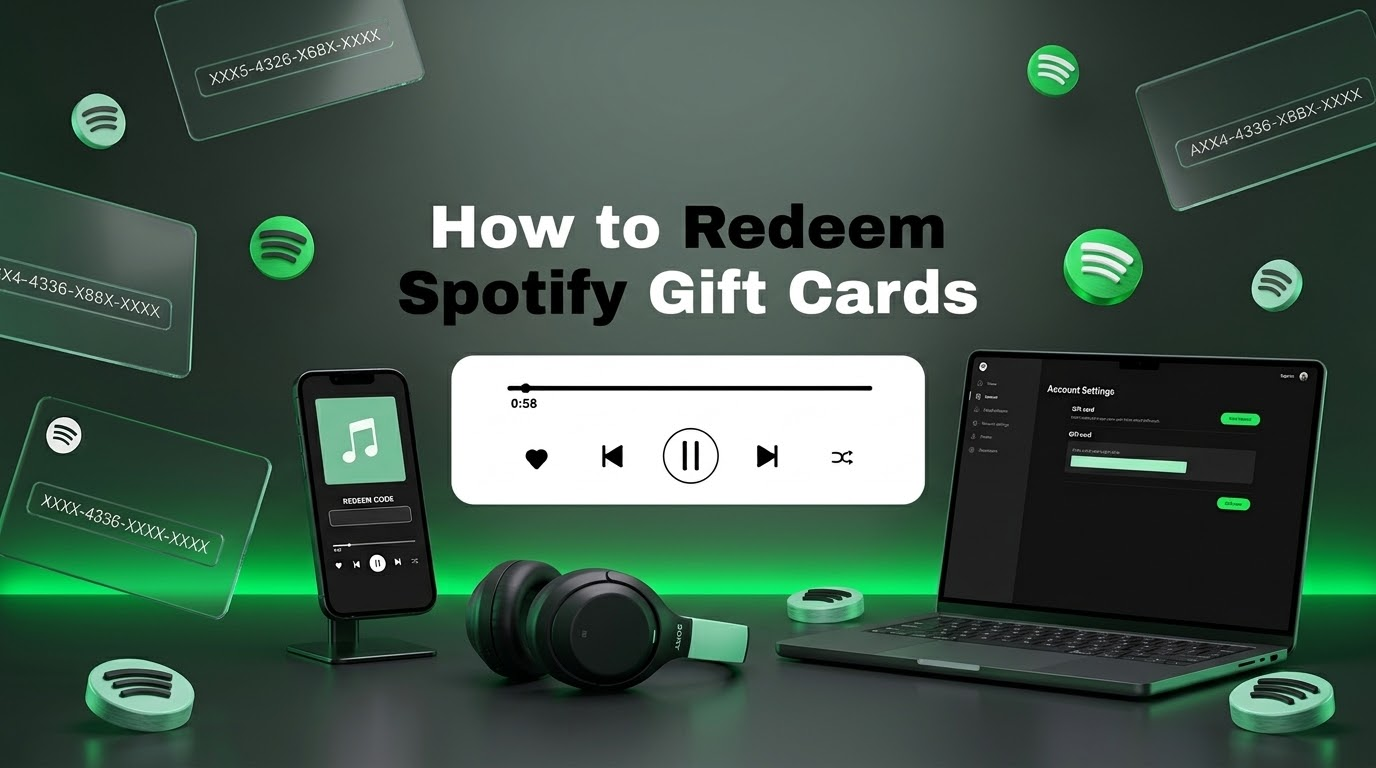
How to Redeem Spotify Gift Cards? Complete Step-by-Step Guide
Wondering how to redeem Spotify gift cards? Redeeming a Spotify gift card is simple when you know where to enter your code. This guide explains how to redeem a Spotify gift card, where to enter your Spotify code, how to check your Premium balance, and what to do if your gift card isn’t working.
Whether you received a Spotify gift card as a present or purchased a digital gift card online, follow the steps below to apply your code to your Spotify account.
Important:
Spotify gift cards can have country, currency, and eligibility
restrictions. Check the card’s terms and make sure it is compatible with
your Spotify account before redeeming it.
How to Redeem Spotify Gift Cards: Quick Answer
To redeem a Spotify gift card, sign in to your Spotify account, open Spotify’s gift card redemption page, enter the PIN or code from your gift card, and follow the instructions to apply the available Premium credit to your account.
1. Sign In
Log in to the Spotify account where you want to use the gift card.
2. Open Redeem
Go to Spotify’s official gift card redemption page.
3. Enter Code
Enter the PIN or gift card code exactly as shown on your card.
4. Confirm
Follow the instructions to apply the gift card to your account.
Quick Tip:
Redeem the card on the Spotify account you actually want to use.
What Is a Spotify Gift Card?
A Spotify gift card is a prepaid digital or physical card that can be used toward eligible Spotify Premium plans. The card contains a code that can be redeemed through Spotify.
Depending on the card and market, the available value or Premium period can vary. Gift card eligibility can also depend on your country and Spotify account.
After successfully redeeming an eligible gift card, the applicable value is added to your account according to Spotify’s current gift card terms.
Remember:
A Spotify gift card code is different from your Spotify password. You
should never give your account password to someone who is helping you
redeem a gift card.
What You Need Before Redeeming a Spotify Gift Card
Before you redeem your Spotify gift card, make sure you have the following:
- An active Spotify account
- Your Spotify gift card or digital code
- Access to the internet
- The correct Spotify account
- A gift card compatible with your country or region
Check the region first:
Spotify gift cards may only be redeemable in the country or market for
which they were purchased. Always check the product details before
buying or redeeming a code.
How to Redeem Spotify Gift Cards Step by Step
The process to redeem Spotify gift cards only takes a few minutes. Follow these steps carefully.
- Sign in to your Spotify account. Open Spotify and make sure you’re signed into the account where you want to apply the gift card.
- Open Spotify’s gift card redemption page. Use Spotify’s official redemption page to enter your gift card code.
- Locate your gift card PIN or code. For a physical card, the code may be hidden under a scratch-off area. For a digital card, check the delivery email or order information.
- Enter the code. Carefully type or paste the Spotify gift card code into the redemption field.
- Confirm the redemption. Follow the instructions shown by Spotify to complete the process.
- Check your account. Once successfully redeemed, check your Spotify account to confirm that the applicable Premium value has been applied.
Done:
Your Spotify gift card has been redeemed successfully.
Where Do I Enter a Spotify Gift Card Code?
Spotify gift cards are redeemed through Spotify’s official gift card redemption page. Sign in to the correct Spotify account and enter the code provided with your gift card.
Spotify Account → Gift Card Redemption Page → Enter Code → Confirm
Avoid entering your Spotify gift card code into unofficial websites. Your gift card code should be treated as valuable payment information until it has been successfully redeemed.
Can You Redeem a Spotify Gift Card on Your Phone?
You can access Spotify’s redemption page from a mobile browser, but the exact options available can vary depending on your device, account, and Spotify’s current website experience.
If you don’t see an option to redeem your card inside the Spotify mobile app, open a web browser and use Spotify’s official gift card redemption page instead.
Tip:
If you’re having trouble on mobile, try opening the redemption page in a
desktop browser.
Do Spotify Gift Cards Have Region Restrictions?
Yes. One of the most important things to check before you redeem a Spotify gift card is its country or regional compatibility.
Spotify gift cards are generally intended for use in the market where they were purchased. Account country, currency, Premium eligibility, and other restrictions can affect whether a particular card can be redeemed.
Compatible Gift Card
A card that matches the supported country or market associated with your Spotify account.
Region-Restricted Gift Card
A card intended for another country or market may not be redeemable on your account.
Always check:
Verify the gift card’s country, currency, and terms before purchasing.
Can You Use a Spotify Gift Card for Premium?
Eligible Spotify gift cards can be used toward supported Spotify Premium plans. However, not every Spotify subscription type is necessarily eligible for gift card redemption.
Eligibility can depend on your current subscription, account status, country, and the specific gift card. For this reason, check Spotify’s current terms before redeeming a card.
Important:
Check your Premium plan eligibility before purchasing a gift card.
Can You Redeem a Spotify Gift Card If You Already Have Premium?
It depends on your current Spotify subscription and the specific gift card. Some gift cards may not be eligible for certain subscription situations.
If you’re already subscribed to Spotify Premium, review the gift card’s terms and your account’s current subscription status before attempting to redeem the code.
Best practice:
Check Spotify’s current gift card eligibility rules before purchasing a
card for an existing Premium account.
Spotify Gift Card Not Working? Here’s What to Do
If your Spotify gift card isn’t working, don’t worry. Several common issues can prevent a code from being redeemed.
1. Check the Code Carefully
Make sure you entered every character correctly. Avoid adding spaces or accidentally confusing similar characters.
2. Check the Gift Card Region
Confirm that the card was issued for the same country or market supported by your Spotify account.
3. Check Whether the Code Has Already Been Used
A gift card code that has already been redeemed cannot normally be redeemed again. Check your Spotify account and purchase records before assuming the code is invalid.
4. Check Your Subscription Eligibility
Certain subscription types or account situations may not support gift card redemption. Review Spotify’s current eligibility requirements.
5. Try a Different Browser
If the redemption page isn’t working correctly, try another browser, clear your browser cache, or use a desktop device.
6. Contact the Seller
If you purchased the gift card from a legitimate retailer and the code still doesn’t work, contact the seller’s support team with your order details and the exact error message.
Security Tip:
Never publish your complete unused Spotify gift card code in a public
forum or social media post.
Common Spotify Gift Card Problems and Solutions
Problem
What to Check
Invalid code
Re-enter the code carefully and check for typing errors.
Code already redeemed
Check your Spotify account and purchase records.
Region restriction
Verify that the card matches your account’s supported country.
Gift card unavailable
Check whether your current Spotify subscription is eligible.
Redemption page problem
Try another browser or device and check your internet connection.
Digital vs. Physical Spotify Gift Cards
Spotify gift cards can be available in different formats depending on the retailer and market.
Digital Gift Card
A digital code is usually delivered electronically through an email or retailer account. It can be redeemed once you receive the code.
Physical Gift Card
A physical card contains a code that can typically be revealed and entered on Spotify’s official redemption page.
How to Buy Spotify Gift Cards Safely
If you’re planning to buy a Spotify gift card online, check the following details before completing your purchase.
Spotify Gift Card Safety Tips
Treat your Spotify gift card code like cash until it has been redeemed.
- Never publish an unused Spotify gift card code online.
- Never share your Spotify password with a seller.
- Never share account recovery information with strangers.
- Check the country and region before buying.
- Keep your purchase receipt and order information.
- Only enter gift card codes on official Spotify pages.
Security tip:
A legitimate gift card redemption process should not require you to give
a seller your Spotify password.
Frequently Asked Questions About Spotify Gift Cards
How to redeem Spotify gift cards?
Sign in to your Spotify account, open Spotify’s official gift card redemption page, enter the gift card code, and follow the instructions to complete the redemption.
Where do I enter a Spotify gift card code?
You enter the code through Spotify’s official gift card redemption page. Make sure you’re signed into the correct Spotify account before redeeming it.
Can I redeem a Spotify gift card on my phone?
You can access Spotify’s redemption page using a mobile browser. If the redemption option isn’t available in the Spotify app, use a web browser instead.
Can I use a Spotify gift card in another country?
It depends on the gift card and its regional restrictions. Many Spotify gift cards are intended for a specific country or market, so check compatibility before purchasing.
Why is my Spotify gift card not working?
Check that the code was entered correctly, that it hasn’t already been redeemed, that the card matches your region, and that your Spotify account is eligible.
Can I redeem a Spotify gift card if I already have Premium?
Eligibility depends on your current subscription and the specific gift card. Check Spotify’s current gift card terms before redeeming.
Can I use a Spotify gift card for any Premium plan?
Not necessarily. Gift card eligibility can vary by plan, account, country, and other conditions. Check Spotify’s current terms for the applicable restrictions.
Can I use a Spotify gift card more than once?
A gift card code is generally intended for one-time redemption. Once the available value has been applied, the same code cannot normally be redeemed again.
Should I share my Spotify password to redeem a gift card?
No. You should redeem the gift card yourself through Spotify’s official redemption process and never give your password to a seller or another person.
Final Thoughts
Learning how to redeem Spotify gift cards is easy. Sign in to the correct Spotify account, open Spotify’s official gift card redemption page, enter your code, and follow the on-screen instructions.
The most important things to check:
Always verify the country, gift card value, account eligibility, and subscription restrictions before buying or redeeming a Spotify gift card.
If your Spotify gift card isn’t working, check the code, region, subscription eligibility, and activation status before contacting the seller. Keep your gift card code private until it has been successfully redeemed.
GUZMZONE
Looking for Spotify Gift Cards?
Find digital Spotify gift cards and other digital products at GuzmoZone. Always check the product region and account requirements before purchasing.
Shop Spotify Gift CardsOfficial Spotify Resources
For the latest information about gift cards, Premium plans, account eligibility, and redemption, use Spotify’s official resources.