

PSN Gift Card $25 USD (US) | Fast Digital Delivery
$ 24.99Activation Guide
- Sign in to your PlayStation Network (PSN) account.
- Open the PlayStation Store.
- Select Redeem Codes from the menu.
- Enter your 12-digit PSN Gift Card code.
- Confirm the redemption to add $25 USD to your PlayStation Store wallet.
Your wallet balance will be updated after the code has been successfully redeemed.
New
PSN Gift Card $50 USD (US) | Fast Digital Delivery
$ 49.60Activation Guide
- Sign in to your PlayStation Network (PSN) account.
- Open the PlayStation Store.
- Select Redeem Codes.
- Enter your 12-digit PSN Gift Card code.
- Confirm the redemption to add $50 USD to your PlayStation Store wallet.
Your wallet balance will be available immediately after the code has been successfully redeemed.

New
Raft (Global) (PC) – Steam Account
$ 5.99How to Activate
- Download and install the Steam client.
- Sign in using the Steam account credentials provided after purchase.
- Open your Steam Library.
- Download Raft.
- Launch the game and start surviving.
Note: This product is a Steam account, not a Steam activation key. Follow the included account instructions before making permanent account changes.
New United States
Razer Gold 10 USD Gift Card (United States) – Digital Key
$ 11.10How to Activate
- Sign in to your Razer Gold account.
- Open the Redeem Code page.
- Enter your digital code.
- Confirm the redemption.
- Your $10 USD balance will be added instantly.
Note: This code is valid only for United States (US) Razer Gold accounts.
New United States
Razer Gold 100 USD Gift Card (United States) – Digital Key
$ 105.00How to Activate
- Sign in to your Razer Gold account.
- Navigate to the Redeem Code page.
- Enter your digital redemption code.
- Confirm the redemption.
- Your $100 USD balance will be added instantly.
Note: This code is valid only for United States (US) Razer Gold accounts.
New United States
Razer Gold 15 USD Gift Card (United States) – Digital Key
$ 16.50How to Activate
- Sign in to your Razer Gold account.
- Go to the Redeem Code page.
- Enter your digital code.
- Confirm the redemption.
- Your $15 USD balance will be added instantly.
Note: This code is valid only for United States (US) Razer Gold accounts.
New United States
Razer Gold 20 USD Gift Card (United States) – Digital Key
$ 22.00How to Activate
- Sign in to your Razer Gold account.
- Navigate to the Redeem Code section.
- Enter your digital redemption code.
- Confirm the redemption.
- Your $20 USD balance will be added to your wallet instantly.
Note: This code is valid only for United States (US) Razer Gold accounts.
New United States
Razer Gold 25 USD Gift Card (United States) – Digital Key
$ 26.50How to Activate
- Sign in to your Razer Gold account.
- Go to the Redeem Code page.
- Enter your digital redemption code.
- Confirm the redemption.
- Your $25 USD balance will be added instantly.
Note: This code is valid only for United States (US) Razer Gold accounts.
New United States
Razer Gold 30 USD Gift Card (United States) – Digital Key
$ 35.00How to Activate
- Sign in to your Razer Gold account.
- Open the Redeem Code section.
- Enter your digital redemption code.
- Confirm the redemption.
- Your $30 USD balance will be added instantly.
Note: This code is valid only for United States (US) Razer Gold accounts.
New United States
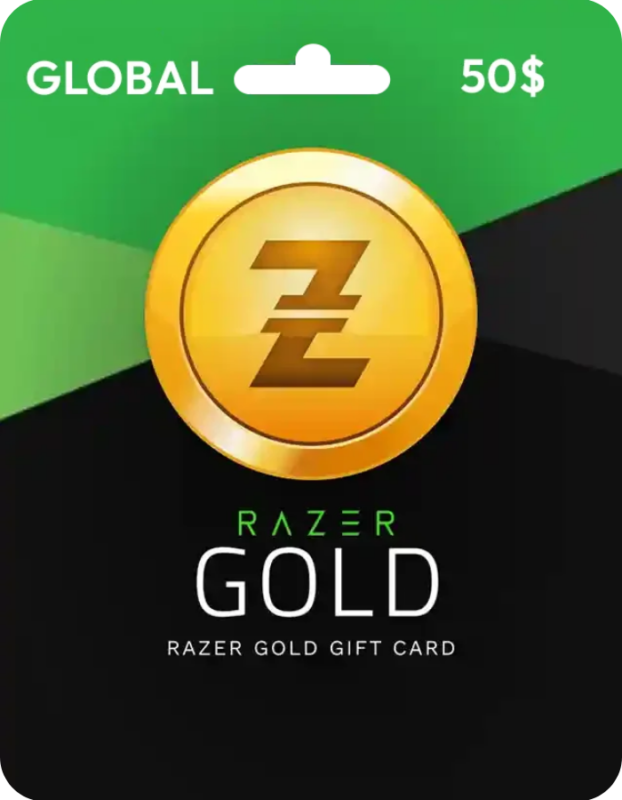
Razer Gold 50 USD Gift Card (United States) – Digital Key
$ 51.99How to Activate
- Sign in to your Razer Gold account.
- Open the Redeem Code page.
- Enter your digital redemption code.
- Confirm the redemption.
- Your $50 USD balance will be added instantly.
Note: This code is valid only for United States (US) Razer Gold accounts.

New
Ready or Not (PC) – Steam Account – GLOBAL
$ 9.50How to Activate
- Download and install the Steam client.
- Sign in using the Steam account credentials provided after purchase.
- Open your Steam Library.
- Download Ready or Not.
- Launch the game and begin playing.
Note: This product is a Steam account, not a Steam activation key. Please follow the included account instructions before making permanent account changes.

New
Red Dead Redemption 2 (Global) (PC) – Steam Account
$ 11.50How to Activate
- Download and install the Steam client.
- Sign in using the Steam account credentials provided after purchase.
- Open your Steam Library.
- Download Red Dead Redemption 2.
- Launch the game and start playing.
Note: This product is a Steam account, not a Steam activation key. Follow the included account instructions before making permanent account changes.

New Global
Rust (Global) (PC) – Steam – Digital Key
$ 28.99Rust Steam key gives you the Global PC edition for Steam, letting you build, craft, explore and fight to survive in a ruthless multiplayer world. ⚡🔒🌍
How to Activate:
- Complete your purchase.
- Receive your Steam key.
- Open Steam and select “Activate a Product.”
- Enter the key and install Rust.

Rust Steam Account (Global) (PC) | Instant Delivery
$ 8.99How to Activate
- Download and install the Steam client.
- Sign in using the Steam account credentials provided after purchase.
- Open your Steam Library.
- Download and install Rust.
- Launch the game and start playing.
Note: This product is a Steam account, not a Steam key. Follow the included account instructions before making any account changes.

New
SAND Raiders of Sophie (Global) (PC) – Steam Account
$ 6.99How to Activate
- Download and install the Steam client.
- Sign in using the Steam account credentials provided after purchase.
- Open your Steam Library.
- Download SAND Raiders of Sophie.
- Launch the game and start playing.
Note: This product is a Steam account, not a Steam key. Follow the included account instructions before making permanent account changes.
New
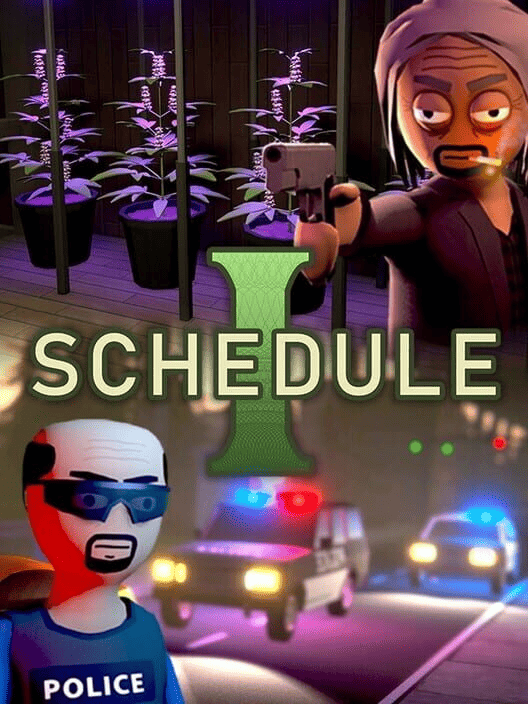
Schedule I (Global) (PC) – Steam Account
$ 5.40How to Activate
- Download and install the Steam client.
- Sign in using the Steam account credentials provided after purchase.
- Open your Steam Library.
- Download Schedule I.
- Launch the game and begin playing.
Note: This product is a Steam account, not a Steam activation key. Please follow the included account instructions before making permanent account changes.
Important: Avoid adding balance or payment methods for the first 4 weeks. Steam region changes require time to fully update. Early actions may trigger account restrictions.

New
Sons of the Forest (Global) (PC) – Steam Account
$ 5.50How to Activate
- Download and install the Steam client.
- Sign in using the Steam account credentials provided after purchase.
- Open your Steam Library.
- Download Sons of the Forest.
- Launch the game and begin playing.
Note: This product is a Steam account, not a Steam activation key. Please follow the included account instructions before making permanent account changes.
Spotify Premium 12 Months Private Account – Full Premium Access to Pinterest (opens in a new window)

New Global
Spotify Premium 12 Months Private Account – Full Premium Access
$ 28.99buy Spotify Premium 12 month account with private Premium access for a full year, including an ad-free listening experience and offline playback. ⚡🔒💳
- Complete your purchase securely.
- Receive your private account details.
- Sign in using the provided credentials.
- Enjoy Premium access for 12 months.
New Global
Spotify Premium 6 Months Private Account – Full Premium Access
$ 10.99buy Spotify Premium 6 month account with private Premium access and enjoy an ad-free listening experience, offline playback, and more. ⚡🔒💳
- Complete your purchase securely.
- Receive your private account details.
- Sign in using the provided credentials.
- Enjoy Spotify Premium access for 6 months.
Tom Clancy’s Ghost Recon Wildlands (PC) Ubisoft Connect Digital Key | Global to Pinterest (opens in a new window)

Global
Tom Clancy’s Ghost Recon Wildlands (PC) Ubisoft Connect Digital Key | Global
$ 18.50🎯 Tom Clancy’s Ghost Recon Wildlands – PC
🌍 Global Ubisoft Connect Digital Key
⚡ Instant Digital Delivery
💻 Compatible with Ubisoft Connect (PC)
🔒 Genuine Digital Product
🛒 Secure Checkout & Trusted Support
Buy Tom Clancy’s Ghost Recon Wildlands from GuzmoZone and experience tactical open-world combat with instant delivery and secure shopping.

New
Voicemod PRO Subscription 1 Month – Voicemod Key – GLOBAL
$ 7.40How to Activate
- Download and install Voicemod from the official website.
- Sign in to your Voicemod account.
- Open the activation or redemption page.
- Enter the activation key received after purchase.
- Confirm activation and enjoy Voicemod PRO.
Note: A valid Voicemod account and internet connection are required to activate the subscription.
Windows 10 Home OEM Product Key for 1 PC | Fast Digital Delivery to Pinterest (opens in a new window)
New
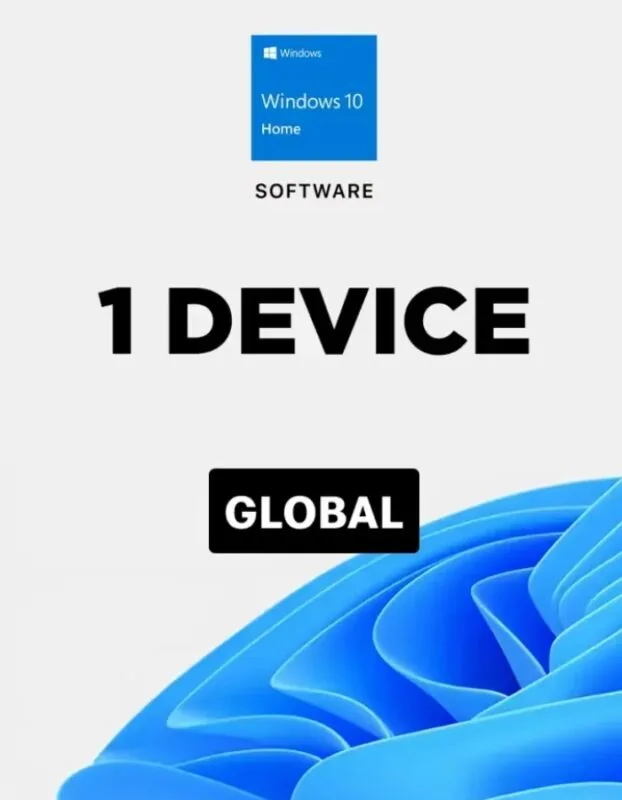
Windows 10 Home OEM Product Key for 1 PC | Fast Digital Delivery
$ 6.99 KeyActivation Guide
- Install Windows 10 Home on your PC.
- Open Settings → Update & Security → Activation.
- Click Change Product Key.
- Enter your Windows 10 Home OEM Product Key.
- Follow the on-screen instructions to complete activation.
Your Windows 10 Home license will be activated once the key is successfully verified.