
New
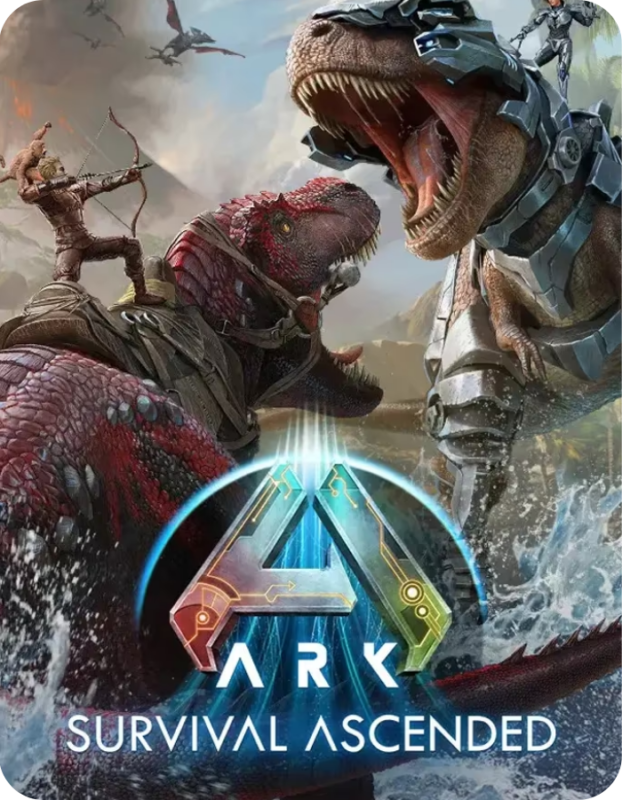
ARK Survival Ascended (Global) (PC) – Steam Account
$ 10.50How to Activate
- Download and install the Steam client.
- Sign in using the Steam account credentials provided after purchase.
- Open your Steam Library.
- Download ARK Survival Ascended.
- Launch the game and start playing.
Note: This product is a Steam account, not a Steam key. Follow the included account instructions before making permanent account changes.

New
Assassin’s Creed Black Flag Resynced | Deluxe Edition (PC) – Steam Account – GLOBAL
$ 45.99How to Activate
- Download and install the Steam client.
- Sign in using the Steam account credentials provided after purchase.
- Open your Steam Library.
- Download Assassin’s Creed Black Flag Deluxe Edition.
- Launch the game and start playing.
Note: This product is a Steam account, not a Steam key. Follow the included account instructions before making permanent account changes.

Assassin’s Creed Black Flag Resynced Steam Account
$ 35.99Activation Guide
- Download and install Steam.
- Sign in using the Steam account credentials provided after purchase.
- Locate Assassin’s Creed Black Flag Resynced in the Library.
- Download and install the game.
- Launch and enjoy your adventure.
Note: Follow any account instructions included with your order before making permanent account changes.

New
Baldur’s Gate 3 (Global) – Steam Account
$ 13.99How to Activate
- Download and install the Steam client.
- Log in using the Steam account credentials provided after purchase.
- Open your Steam Library.
- Download Baldur’s Gate 3.
- Launch the game and start playing.
Note: This product is a Steam account, not a Steam activation key. Please follow the included account instructions before making permanent account changes.

BeamNG.drive (Global) (PC) – Steam Account
$ 8.50How to Activate
- Download and install the Steam client.
- Sign in using the Steam account credentials provided after purchase.
- Open your Steam Library.
- Download BeamNG.drive.
- Launch the game and begin driving.
Important: Avoid adding balance or payment methods for the first 4 weeks. Steam region changes require time to fully update. Early actions may trigger account restrictions.
Note: This product is a Steam account, not a Steam activation key. Follow the included account instructions before making permanent account changes.

New
Buy ARC Raiders Steam Account (PC) – Standard Edition
$ 24.99Instant Digital Access: Full Email Access PC Steam Account delivered immediately after purchase.
Quick Activation Steps:
- Log into Steam using the credentials sent to your order email.
- Sign in to the provided email inbox to retrieve your Steam Guard verification code.
- Enter the code on Steam, then update the account email and password to your personal details.
- Download ARC Raiders directly from your library and start playing!
Important Note: This is a full-access PC Steam Account (not a game key). Account purchases are final. Do not change the store region or payment settings.
New
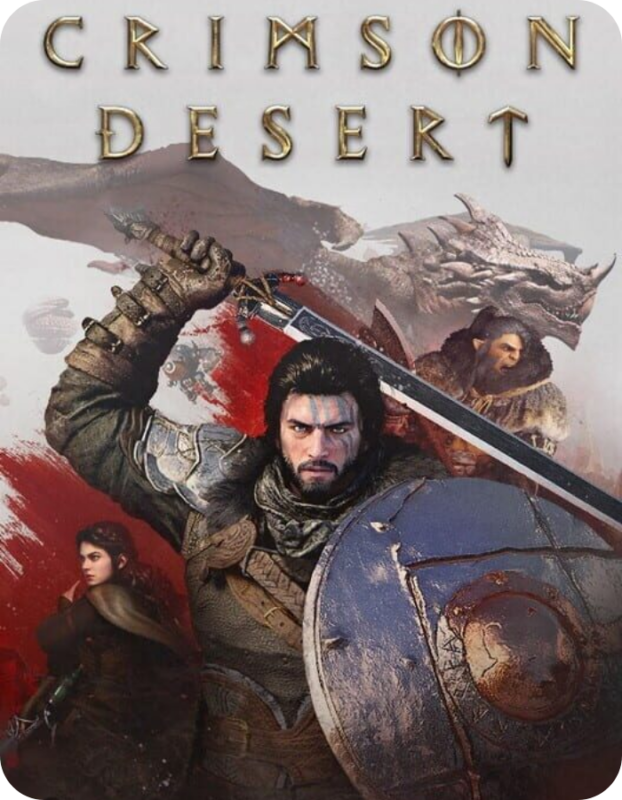
Crimson Desert (PC) – Steam Account
$ 27.99How to Activate
- Download and install the Steam client.
- Sign in using the Steam account credentials provided after purchase.
- Open your Steam Library.
- Download Crimson Desert.
- Launch the game and begin playing.
Note: This product is a Steam account, not a Steam key. Please follow the included account instructions before making permanent account changes.
Steam Region: Do not add any funds or payment methods until after your Steam store region has changed (after 4 weeks). Valve’s system will track this and ban your account if you add funds before the store region has changed. If you get blocked for this reason, we will not replace or refund your account. Change email to your own after you get the account details.
New
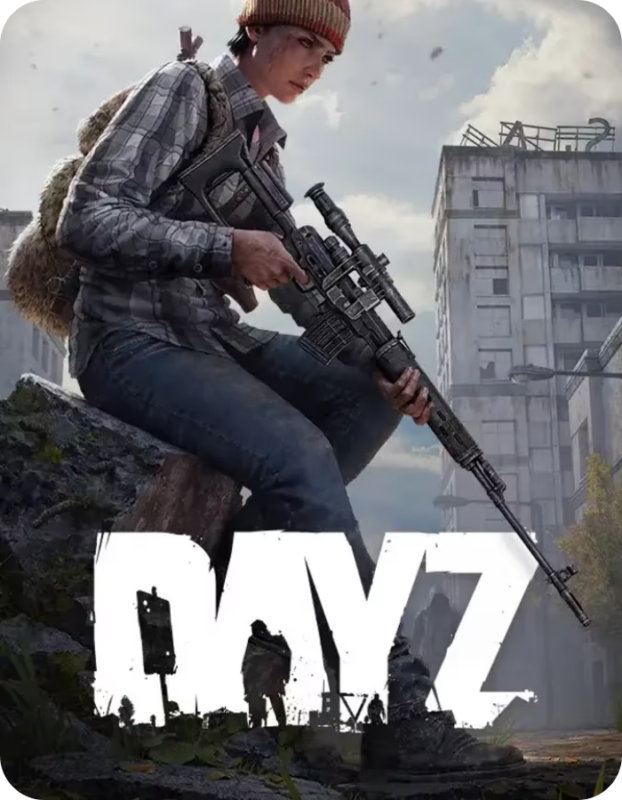
DayZ (Global) (PC) – Steam Account
$ 13.99How to Activate
- Download and install the Steam client.
- Sign in using the Steam account credentials provided after purchase.
- Open your Steam Library.
- Download and install DayZ.
- Launch the game and start surviving.
Note: This product is a Steam account, not a Steam key. Follow the included account instructions before making any account changes.

New
EA SPORTS FC 25 (Global) (PC) – Steam Account
$ 6.50How to Activate
- Download and install the Steam client.
- Sign in using the Steam account credentials provided after purchase.
- Open your Steam Library.
- Download EA SPORTS FC 25.
- Launch the game and begin your football season.
Note: This product is a Steam account, not a Steam activation key. Please follow the included account instructions before making permanent account changes.

New Global
EA SPORTS FC 26 (PC) – Steam Account – GLOBAL
$ 2.99How to Activate
- Download and install the Steam client.
- Sign in using the Steam account credentials provided after purchase.
- Open your Steam Library.
- Download EA SPORTS FC 26.
- Launch the game and start playing.
Note: This product is a Steam account, not a Steam activation key. Please follow the included account instructions before making permanent account changes.

New
EA SPORTS Madden NFL 25 (Global) (PC) – Steam Account
$ 17.99How to Activate
- Download and install the Steam client.
- Sign in using the Steam account credentials provided after purchase.
- Open your Steam Library.
- Download EA SPORTS Madden NFL 25.
- Launch the game and start playing.
Note: This product is a Steam account, not a Steam key. Please follow the account instructions included with your purchase before making account changes.
- Buy Madden NFL 25 Steam Account
New
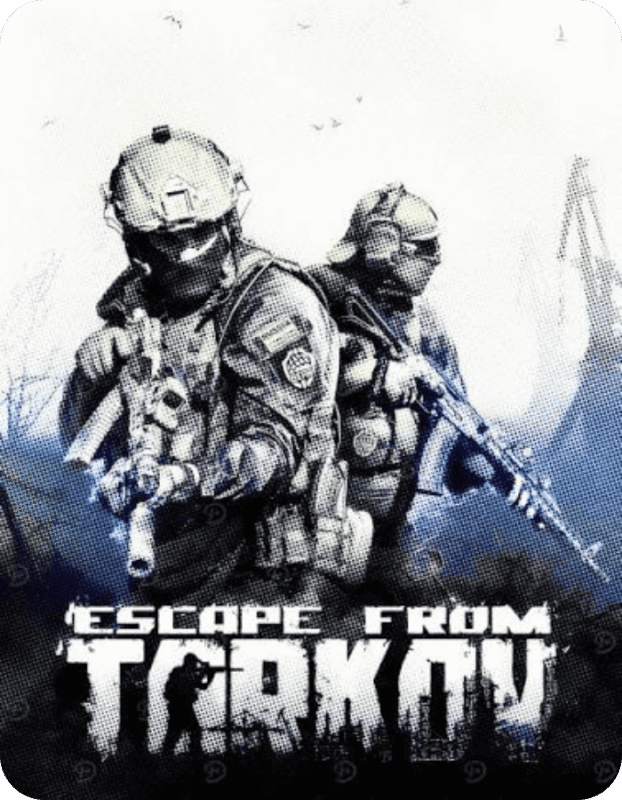
Escape from Tarkov (Global) (PC) – Steam Account
$ 14.99How to Activate
- Download the official Escape from Tarkov launcher.
- Log in using the account credentials provided after purchase.
- Download the game files.
- Complete any required updates.
- Launch the game and start your raids.
Note: This product is a Steam account, not a Steam activation key. Follow the included account instructions before making permanent account changes.

New
Esports Manager 2026 (PC) – Steam Account – GLOBAL
$ 10.50How to Activate
- Download and install the Steam client.
- Sign in using the Steam account credentials provided after purchase.
- Open your Steam Library.
- Download Esports Manager 2026.
- Launch the game and begin managing your esports organization.
Note: This product includes a Steam account, not a Steam activation key. Please follow the included account instructions before making permanent account changes.
Important: Do not change the account region or add payment methods (PayPal, credit/debit card, etc.) within the first 30 days after purchase. Steam may restrict the account due to these changes, and the seller is not responsible for any resulting limitations.

New
F1 25 (Global) (PC) – Steam Account
$ 14.99How to Activate
- Download and install the Steam client.
- Sign in using the Steam account credentials provided after purchase.
- Open your Steam Library.
- Download F1 25.
- Launch the game and start racing.
Note: This product is a Steam account, not a Steam key. Please follow the included account instructions before making permanent account changes.

New
Grounded (Global) (PC) – Steam Account
$ 7.50How to Activate
- Download and install the Steam client.
- Sign in using the Steam account credentials provided after purchase.
- Open your Steam Library.
- Download Grounded.
- Launch the game and start surviving.
Note: This product includes a Steam account, not a Steam activation key. Please follow the included account instructions before making permanent account changes.

New
It Takes Two (Global) (PC) – Steam Account
$ 6.50How to Activate
- Download and install the Steam client.
- Sign in using the Steam account credentials provided after purchase.
- Open your Steam Library.
- Download It Takes Two.
- Launch the game and enjoy the co-op adventure.
Note: This product includes a Steam account, not a Steam activation key. Please follow the included account instructions before making permanent account changes.

New
MECCHA CHAMELEON (Global) (PC) – Steam Account
$ 5.49How to Activate
- Download and install the Steam client.
- Sign in using the Steam account credentials provided after purchase.
- Open your Steam Library.
- Download MECCHA CHAMELEON.
- Launch the game and start playing.
Note: This product is a Steam account, not a Steam key. Please follow the account instructions included with your purchase before making any account changes.

New
Need for Speed Heat Deluxe Edition Steam Account | Global
$ 4.99Activation Guide
How to Access Your Need for Speed Heat Deluxe Edition Steam Account
- Complete your purchase on GuzmoZone. Your account credentials will be delivered to your email or displayed in your order confirmation page.
- Download and install the Steam client from store.steampowered.com if you haven’t already.
- Open Steam and click “Sign In” at the top right of the launcher.
- Enter the Steam account login credentials provided in your GuzmoZone order.
- Once signed in, navigate to your Library — Need for Speed Heat Deluxe Edition will appear in your game list.
- Click Install, choose your installation directory, and wait for the download to complete.
- Hit Play and Enjooy.
Important: Do not change the account password, email address, or linked phone number. Modifying account security details may trigger a Steam security lock and void your access.

New
Palworld (Global) (PC) – Steam Account
$ 8.50How to Activate
- Download and install the Steam client.
- Sign in using the Steam account credentials provided after purchase.
- Open your Steam Library.
- Download Palworld.
- Launch the game and start playing.
Note: This product is a Steam account, not a Steam activation key. Follow the included account instructions before making permanent account changes.

New
Raft (Global) (PC) – Steam Account
$ 5.99How to Activate
- Download and install the Steam client.
- Sign in using the Steam account credentials provided after purchase.
- Open your Steam Library.
- Download Raft.
- Launch the game and start surviving.
Note: This product is a Steam account, not a Steam activation key. Follow the included account instructions before making permanent account changes.
New
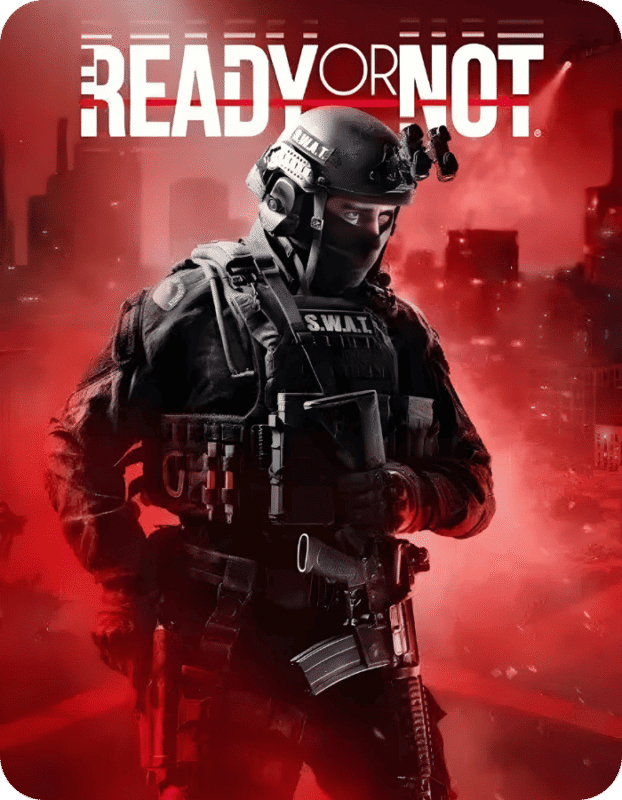
Ready or Not (PC) – Steam Account – GLOBAL
$ 9.50How to Activate
- Download and install the Steam client.
- Sign in using the Steam account credentials provided after purchase.
- Open your Steam Library.
- Download Ready or Not.
- Launch the game and begin playing.
Note: This product is a Steam account, not a Steam activation key. Please follow the included account instructions before making permanent account changes.

New
Red Dead Redemption 2 (Global) (PC) – Steam Account
$ 11.50How to Activate
- Download and install the Steam client.
- Sign in using the Steam account credentials provided after purchase.
- Open your Steam Library.
- Download Red Dead Redemption 2.
- Launch the game and start playing.
Note: This product is a Steam account, not a Steam activation key. Follow the included account instructions before making permanent account changes.

Rust Steam Account (Global) (PC) | Instant Delivery
$ 8.99How to Activate
- Download and install the Steam client.
- Sign in using the Steam account credentials provided after purchase.
- Open your Steam Library.
- Download and install Rust.
- Launch the game and start playing.
Note: This product is a Steam account, not a Steam key. Follow the included account instructions before making any account changes.

New
SAND Raiders of Sophie (Global) (PC) – Steam Account
$ 6.99How to Activate
- Download and install the Steam client.
- Sign in using the Steam account credentials provided after purchase.
- Open your Steam Library.
- Download SAND Raiders of Sophie.
- Launch the game and start playing.
Note: This product is a Steam account, not a Steam key. Follow the included account instructions before making permanent account changes.