
Spotify Gift Card Activation: How to Redeem Your Code


Spotify Gift Card Activation Guide: How to Redeem Your Code
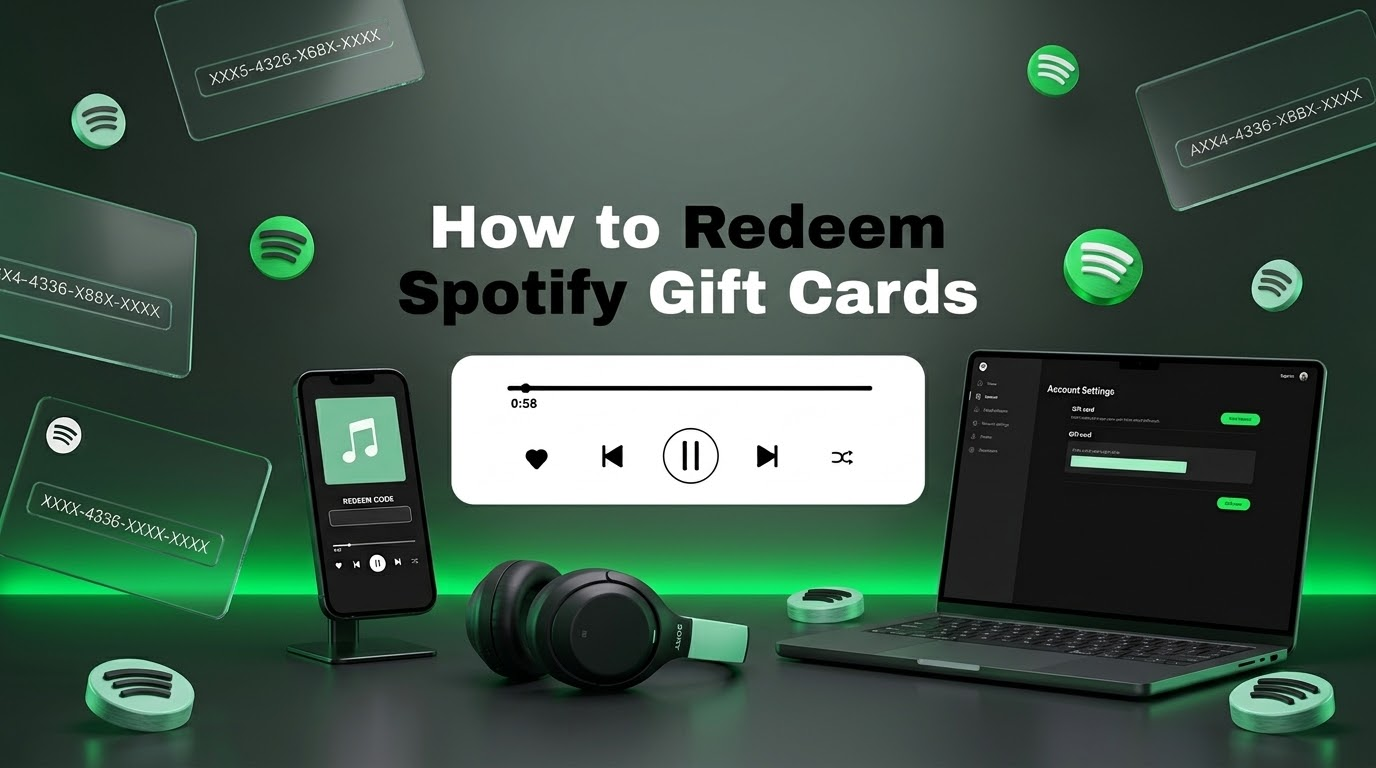
Got a Spotify gift card and want to redeem it? The process is simple when your card, account, and region are compatible. This Spotify gift card activation guide explains exactly where to enter your code, how Premium time is applied, which accounts are eligible, and what to do if your code does not work.
Important:
Spotify’s current support documentation says Spotify gift cards are no longer available for purchase directly from Spotify, but previously purchased cards can still be redeemed. Always check the card’s country or region before attempting redemption. :contentReference[oaicite:0]{index=0}
Quick Answer: How Do You Redeem a Spotify Gift Card?
To redeem a compatible Spotify gift card, sign in to your Spotify account and visit the official redemption page. Enter the code printed on the card, select Continue, and then confirm the redemption. Spotify states that the account’s country or region must match the location where the card was purchased. :contentReference[oaicite:1]{index=1}
1. Sign In
Log in to the Spotify account that should receive the Premium time.
2. Open Redeem
Use Spotify’s official gift card redemption page.
3. Enter Code
Carefully type the alphanumeric code from your gift card.
4. Confirm
Select Continue and complete the redemption process.
Before You Redeem
Check Account + Region + Card Type
What Is a Spotify Gift Card?
A Spotify gift card is a prepaid code that can be used toward eligible Spotify Premium time. Depending on the market and card terms, gift cards may be issued as currency-denominated cards or subscription cards.
Spotify’s terms explain that gift cards are generally intended for full-price standalone Premium subscriptions and are not designed for discounted or group plans such as Premium Student, Premium Duo, Premium Family, or trial offers. :contentReference[oaicite:2]{index=2}
It is also important to distinguish a gift card from other types of Spotify promotional or Premium codes. The exact terms can vary by country, so check the conditions associated with the card you purchased.
Spotify Gift Card Activation: Step-by-Step
The official Spotify redemption process is completed online rather than through the Spotify mobile application’s normal settings. Spotify directs users to its redemption page to enter their gift card code. :contentReference[oaicite:3]{index=3}
-
Sign in to Spotify.
Open Spotify in your browser and sign in to the account you want to use.
-
Open the official redemption page.
Go to Spotify’s official account redemption page at spotify.com/account/redeem.
-
Enter your gift card code.
Type the alphanumeric code printed on your card. Pay close attention to characters that can look similar, such as zero and the letter O.
-
Select Continue.
Submit the code so Spotify can check whether it is valid and eligible for your account.
-
Confirm the redemption.
If the code is accepted, follow the on-screen instructions to complete the process.
Tip:
Double-check the Spotify account before redeeming. The Premium time is applied to the account used during the redemption process.
Where Do You Enter a Spotify Gift Card Code?
The official place to redeem a Spotify gift card is Spotify’s web redemption page. You can access it through your browser rather than searching through the Spotify app for a hidden activation menu.
If you are already signed in, Spotify’s redemption page will use the account associated with your session. This makes it important to verify that you are using the correct account before entering the code.
Use the official page:
Spotify Gift Card Redemption
What Happens After You Redeem the Code?
A successfully redeemed card provides eligible Premium time according to the card’s value and the applicable Spotify terms. For supported individual Premium plans, Spotify says the gift card starts on the next payment date, or immediately when upgrading from a free account. :contentReference[oaicite:4]{index=4}
Once the full gift card amount has been used, normal payments can continue if your subscription remains active and you have another payment method configured.
Free Account
Eligible users can use a compatible card to upgrade to Premium Individual, with the gift card taking effect according to Spotify’s terms.
Premium Individual
An eligible gift card can provide additional Premium time for the individual plan.
Discounted Plans
Gift cards generally cannot be applied to discounted plans such as Student or other qualifying discounted subscriptions.
Group Plans
Premium Family and Premium Duo are generally excluded from gift card redemption.
Spotify Gift Card Region Restrictions
One of the most important things to check before redeeming a Spotify code is the country or region associated with your account.
Spotify’s support documentation states that your account’s country or region must match the location where the gift card was purchased. :contentReference[oaicite:5]{index=5}
This means a legitimate code can still fail if it was purchased for a different market. Always check the product’s region before buying a digital Spotify code.
Most Important Compatibility Check
Spotify Account Region = Gift Card Region
Can You Redeem a Spotify Gift Card on Mobile?
You can redeem the code using a mobile browser, but Spotify’s official instructions direct users to the web redemption page rather than the normal in-app subscription screen.
On an iPhone, Android phone, tablet, or computer, open a browser, sign in to Spotify, and access the official redemption page. If the redemption page is not displayed correctly, try another browser or check Spotify’s support documentation.
Which Spotify Plans Accept Gift Cards?
Gift card eligibility depends on the specific card and market. Spotify’s current support documentation says gift cards are intended for Premium Individual and cannot be applied to several discounted or group plans. :contentReference[oaicite:6]{index=6}
Plan Type
Gift Card Compatibility
Premium Individual
Supported for eligible gift cards and markets.
Premium Student
Not eligible under Spotify’s stated gift card restrictions.
Premium Duo
Not eligible under Spotify’s stated gift card restrictions.
Premium Family
Not eligible under Spotify’s stated gift card restrictions.
Trial Offer
Gift cards cannot be applied to qualifying trial offers.
Spotify Gift Card Not Working? Try These Fixes
If Spotify rejects your code, don’t immediately assume that the card is defective. Several common issues can prevent successful redemption.
1. Check the Code Characters
Carefully compare the characters on your card with what you entered. Spotify specifically warns that characters such as zero and the capital letter O, or capital I and the number 1, can be confused. :contentReference[oaicite:7]{index=7}
- Check every character.
- Do not add spaces.
- Check similar-looking letters and numbers.
- Make sure the complete code was entered.
2. Check Your Spotify Account Region
If the card was purchased for another country or region, redemption may fail. Confirm the country shown in your Spotify account and compare it with the card’s intended market. :contentReference[oaicite:8]{index=8}
3. Check Your Subscription Type
A gift card may not work if your account uses a discounted or group Premium plan. Spotify specifically lists Premium Student, Premium Duo, Premium Family, and trial offers among the plans that cannot receive gift card value. :contentReference[oaicite:9]{index=9}
4. Check Whether the Card Was Already Redeemed
A single-use code cannot normally be redeemed repeatedly. If the code has already been used, check the account where it may have been redeemed before contacting the seller or Spotify support.
5. Wait After Multiple Failed Attempts
Spotify’s support documentation says that after four unsuccessful attempts, an error message can appear and you may need to wait 24 hours before trying again. :contentReference[oaicite:10]{index=10}
6. Check Whether a Retail Card Was Activated
If you purchased a physical card from a retail store, Spotify says it needs to be activated by the cashier before it can be redeemed. :contentReference[oaicite:11]{index=11}
Important:
Keep your purchase receipt or digital order information if the code does not work. These details may be useful when contacting the seller or Spotify support.
How to Check Your Spotify Account Country
Your Spotify account country can affect which services and gift cards are available to you. Spotify explains that the country or region associated with an account is based on where the account was created and can be updated under the account settings when applicable. :contentReference[oaicite:12]{index=12}
If you are trying to redeem a region-specific gift card, verify your account settings before purchasing another code. Do not change your country simply to bypass a card restriction without checking Spotify’s requirements.
How Long Is a Spotify Gift Card Valid?
Validity rules can vary by market and card terms. For example, Spotify’s current U.S. support page says previously purchased gift cards remain valid, while other regional support pages specify different validity periods. :contentReference[oaicite:13]{index=13}
Because gift card rules can differ by country, check the terms that apply to the specific card and market rather than assuming that every Spotify gift card has the same expiration period.
Can You Stack Spotify Gift Cards?
Spotify’s support documentation states that an account can have up to 18 months of Premium time stacked. :contentReference[oaicite:14]{index=14}
If you already have a significant amount of Premium time on your account, check your current balance before trying to redeem another card.
Tip:
If redemption fails even though the code and region appear correct, check whether your account has already reached Spotify’s Premium time limit.
Things to Check Before Buying a Spotify Gift Card
Choosing the correct card before purchase can prevent most redemption problems. This is especially important when buying a digital code online.
If you’re looking for other digital products, you can also explore GuzmoZone’s digital games, gift cards, and digital codes .
Spotify Gift Card Activation Checklist
-
Check the region.
Confirm that the card’s market matches your Spotify account country or region.
-
Check your plan.
Make sure you are eligible for gift card redemption.
-
Sign in to the correct account.
Verify that the account shown in your browser is the one you want to receive Premium time.
-
Open Spotify’s redemption page.
Use the official Spotify redemption page rather than an unofficial activation website.
-
Enter the code carefully.
Check every letter and number before submitting.
-
Confirm redemption.
Select Continue and complete the on-screen redemption process.
Frequently Asked Questions About Spotify Gift Card Activation
How do I activate a Spotify gift card?
Sign in to your Spotify account, open the official redemption page, enter your gift card code, select Continue, and follow the instructions to complete redemption.
Where do I enter a Spotify gift card code?
Spotify directs users to its official web redemption page at spotify.com/account/redeem.
Why is my Spotify gift card not working?
Check the code carefully, your account region, subscription type, card validity, and whether the code has already been redeemed. Spotify also limits repeated failed attempts. :contentReference[oaicite:15]{index=15}
Can I use a Spotify gift card in another country?
Generally, the account’s country or region must match the location where the gift card was purchased. :contentReference[oaicite:16]{index=16}
Can I redeem a Spotify gift card on my phone?
Yes. You can use a mobile browser to sign in to Spotify and access the official redemption page.
Can I use a gift card with Spotify Premium Family?
No. Spotify’s current support documentation states that gift cards cannot be applied to Premium Family, Premium Duo, Premium Student, or trial offers. :contentReference[oaicite:17]{index=17}
How many months of Spotify Premium can I stack?
Spotify currently states that you can stack up to 18 months of Premium time on an account. :contentReference[oaicite:18]{index=18}
Are Spotify gift cards still available?
Spotify’s current support pages say that Spotify gift cards are no longer available for purchase directly from Spotify, while previously purchased cards can still be redeemed subject to the applicable terms. :contentReference[oaicite:19]{index=19}
Final Thoughts
Redeeming a compatible Spotify gift card is usually straightforward: sign in to the correct account, open Spotify’s official redemption page, enter the code, and confirm the activation.
Key takeaway:
Always check your Spotify account region, Premium plan eligibility, and gift card terms before entering the code.
If the code fails, check the characters first, then verify the region and subscription type. For persistent problems, keep your purchase information and use Spotify’s official support channels.
GUZMОZONE
Looking for Digital Gift Cards?
Explore GuzmoZone for digital gift cards, game keys, gaming codes, and other digital products.
Explore GuzmoZoneOfficial Resources
For the latest redemption instructions, regional requirements, and gift card restrictions, use Spotify’s official resources.